
What Is a Digital Orthodontic Scan?
A digital orthodontic scan is a 3D image of your teeth and gums captured with a handheld intraoral scanner wand. The wand uses optical light to take thousands of tiny pictures, which stitch together into a detailed digital model you can see on screen within seconds.
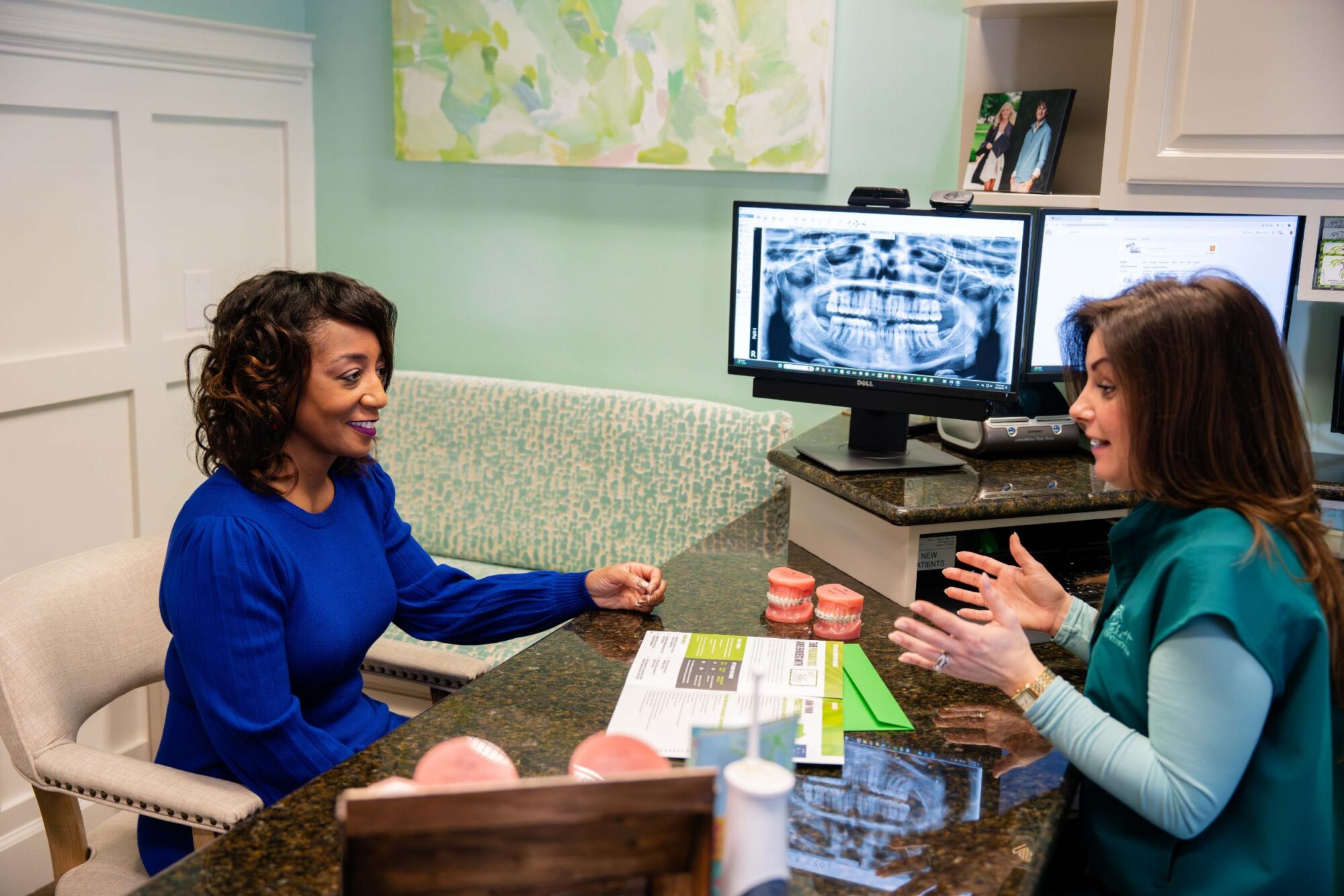
At Pickett Orthodontics, these scans have replaced putty and alginate molds for most records. Instead of biting into a tray of setting material, you simply open your mouth while the wand glides along your teeth. The model appears in real time, and Dr. Kevin Pickett can rotate, zoom and review it with you right there in the chair.
Pickett Orthodontics uses the iTero scanner, which builds your model with safe optical light, not radiation. Digital scanning is now a standard step in orthodontic diagnosis, treatment planning and appliance design for braces, Invisalign, retainers and more.
How a 3D Intraoral Scan Works, Step by Step
A 3D intraoral scan is quick and comfortable from start to finish. Here’s what to expect when you sit down for one.
- Before the scan. No prep required. You brush as usual before your visit, and the team may gently dry your teeth so the scanner can capture clean images.
- Upper arch. Your clinician moves the wand slowly across the chewing surfaces, outer sides and inner sides of your top teeth. This usually takes just a few minutes.
- Lower arch. The same process repeats on the bottom teeth. You can breathe and swallow normally throughout.
- Bite scan. You close your teeth together while the wand captures how your bite lines up from the side. This step takes under a minute.
- Real-time model building. As the wand moves, thousands of images are stitched together on the monitor. You’ll see your 3D model grow right in front of you.
- Pause anytime. Need a break? Just raise your hand. The scanner holds its place and picks right back up when you’re ready.
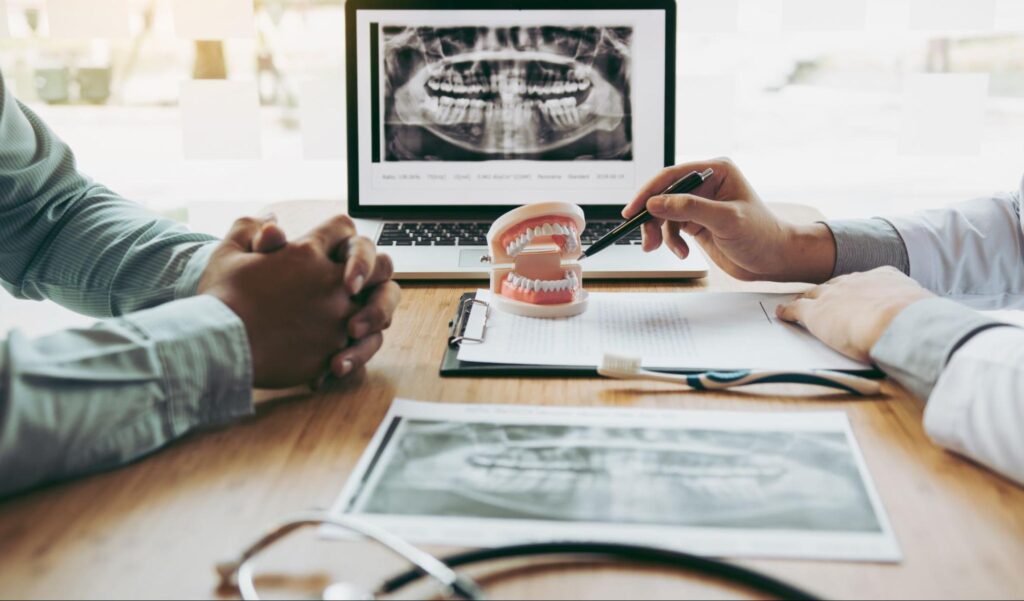
- Review together. Once finished, Dr. Pickett rotates the model to point out spacing, alignment and bite details you may have never seen before.
- Digital transmission. The file is sent securely to the lab or aligner manufacturer, with no shipping or physical molds involved.
Overall, the visit feels more like a conversation than a procedure. Many patients and families are surprised by how smooth it is.
Benefits of Digital Scans Over Putty Impressions
The switch from putty to digital isn’t just a tech upgrade. It changes how patients and families actually feel about their records appointments. Here are the biggest benefits:
- Comfort. No bulky trays sitting in your mouth. No cold, setting putty. No gag reflex triggers from material pushed against the back of your tongue.
- Speed. A full scan usually wraps up in minutes. Traditional putty often required multiple rounds if a mold came out short or distorted.
- Accuracy. Digital scanners capture fine detail that’s easy to miss with putty. If a spot gets missed, your clinician simply rescans that area in seconds.
- Better-fitting appliances. Aligners, retainers and expanders built from accurate 3D models tend to fit well from day one, which means fewer adjustments later.
- Instant visualization. You can see your own teeth from every angle. This makes treatment planning a shared conversation, not a one-way explanation.
- Easy storage. Your digital file is saved, which can make future appliances like a replacement retainer simpler down the road.
- Progress tracking. Scans taken at different points can be compared side by side, so you can actually see how your smile has shifted.
- Cleaner experience. No trays to sanitize, no leftover material on your lips and no taste lingering after your visit.
For kids with sensory sensitivities, adults with strong gag reflexes and anyone who dreaded putty in the past, digital scanning is a genuine relief. It’s one of the simple changes that helps patients and families find joy in their care.
Digital Scan vs. Traditional Impression: Side-by-Side
Here’s how the two approaches compare across the attributes patients ask about most.
| Attribute | Digital Scan | Traditional Putty Impression |
|---|---|---|
| Comfort | Small wand, no tray, no setting material | Bulky tray with putty that can trigger gag reflex |
| Time per arch | A few minutes | Several minutes of set time while holding still |
| Accuracy | High-detail 3D capture of every surface | Risk of bubbles, tears, pulls and warping |
| Mistakes | Rescan the affected area in seconds | Redo the entire impression from scratch |
| Storage | Digital file saved for future use | Physical mold shipped to lab, then discarded |
| Visualization | Watch your model build in real time | Wait with your mouth full until material sets |
| Appliance fit | Precise models mean better first-time fit | Minor distortions can affect final fit |
| Future use | File available for retainers and comparisons | New impression required every time |
The side-by-side makes it clear why so many orthodontic practices have moved away from putty. The digital workflow is faster, cleaner and more precise, and it gives you a front-row seat to your own treatment planning.
Who Is a Good Candidate for a Digital Scan?
Digital scanning works for almost everyone. If you can sit still for a few minutes and open your mouth, you’re likely a great candidate. That said, some patients benefit even more than others.
- Kids, teens and adults. The process is gentle enough for young patients and detailed enough for complex adult treatment.
- Strong gag reflex. The small wand stays mostly on the front and sides of teeth, which is far easier to tolerate than a full tray of putty.
- Sensory sensitivities. No cold, thick material. No pressure. Just a lightweight wand and brief pauses whenever you need them.
- Anxious patients. If putty impressions were a bad memory in the past, digital scanning often changes that experience entirely.
- Invisalign candidates. Invisalign aligners are built from a precise 3D model of your teeth, and a digital scan is the most accurate way to capture it.
- Braces planning. Scans guide bracket placement, bite analysis and appliance design for metal braces and clear braces alike.
- Retainer and expander fabrication. Appliances built from digital files tend to fit well from the first try-in.
- Progress checks. Scans taken partway through treatment let Dr. Pickett compare movement and fine-tune the plan.
Early treatment patients, teens finishing up Invisalign and adults starting fresh all benefit from the same gentle, accurate process.
Frequently Asked Questions
Why is my orthodontist scanning my teeth?
Your orthodontist scans your teeth to build an accurate 3D model used for diagnosis, treatment planning and appliance fabrication. The scan shows exact tooth positions, bite alignment and gum contours, which helps Dr. Pickett design a personalized smile plan and create well-fitting braces, aligners or retainers from day one.
Do orthodontists still take putty impressions?
Less and less. Many orthodontic practices have switched to digital intraoral scanners because they’re faster, cleaner and more accurate. Some offices still keep putty on hand for specific situations, but for most patients and families, the modern records appointment is fully digital, with no trays or setting material involved.
How long does a digital dental impression take?
A full digital dental impression usually takes about five to ten minutes total. That includes scanning the upper arch, the lower arch and the bite. You can pause anytime to swallow, breathe or take a short break, and any missed areas can be rescanned in just a few seconds.
Is a digital scan safe?
Yes. Digital intraoral scanners use optical light to capture images, with no radiation involved. The wand is cleaned and sanitized between patients, and the process is completely non-invasive. For kids, teens and adults, digital scanning is one of the gentlest steps in modern orthodontic care.
Does scanning work for kids?
Absolutely. Scanning is often easier for kids than putty impressions, since there’s no bulky tray, no thick material and no need to sit perfectly still for long stretches. Many young patients are fascinated watching their 3D model appear on screen, which turns the appointment into something fun instead of stressful.
Can I see my scan during the visit?
Yes, and we encourage it. The 3D model builds in real time on the monitor right next to your chair. Dr. Pickett will rotate the model, zoom in on specific teeth and walk you through what he sees. It’s one of the best ways to feel informed and confident about your treatment plan.
What happens to my scan after treatment?
Your digital file is stored securely so it can be used later if needed. If you ever need a replacement retainer, a stored scan can make the process simpler than starting from scratch. That saves time and supports your long-term smile results.
Ready to see how simple a modern records appointment can be? Dr. Kevin Pickett and our team of servant-hearts would love to show you digital scanning in person at our Mobile office on Wall Street or our Jackson office on West Church Street. Start your smile testimony today with a free consult, and find joy in your care from the very first visit. Your confidence is our calling.